A screen in the room
Your photos playing while you're in the room, and a card you can send.
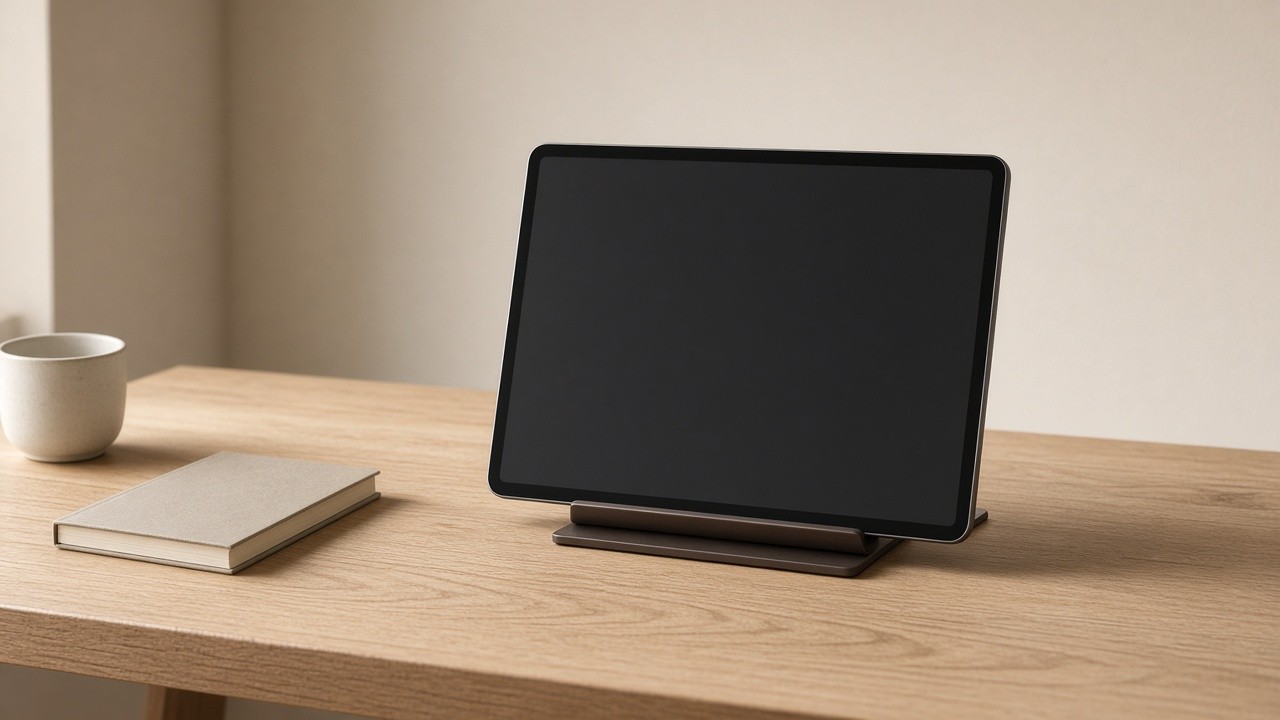



Twenty seconds a day, with the place and the date under it.
How it works
It plays on a screen you already have. An old tablet on a shelf, or a TV you cast to.
Each photo holds for twenty seconds, with the place and the date under it.
You pick what it plays from, and you can leave a photo or a whole memory off it. That day stays on the calendar and the map.
Postcards
You kept the day. Postcard puts the photos on a card: Front, Paper, and a back you can write on. Save it, or send it from your phone.
A hearth works the same way. The trip is the card, not just Tuesday.
The song on a day
You can put a song on a memory. It shows on the day, and on a postcard of that day.
Covered until someone reveals it
Marking a photo or a piece of writing sensitive leaves it covered: color only, no picture loaded, until whoever is looking chooses to reveal it. The reveal lasts for that browser session and nothing longer.
A screen in a room is not always a private one, so Ember Frame skips a covered photo entirely rather than covering it there.
A code on the screen
Open Ember on the screen you want to use, and it shows a six-digit code. Type that into your phone and the screen starts playing. You don't type a password there.
Cast to a Chromecast
If the TV has a Chromecast, you can cast to it from your phone instead of pairing a code.
Where the photos come from
You pick favorites, one hearth, a stretch of dates, or every kept day, and how long each photo holds.
Order can be oldest first, at random, or the same walk Wander takes, which favors what you haven't seen lately.
Under each photo you can show the title, the date, the place, who added it, or nothing.
Hold one back
You can leave a photo or a whole memory off Frame. It stays on the calendar and the map.
What it doesn't do
Ember Frame never shows a memory that's private or faded.
Ember doesn't print or mail anything for you.